Importing Races
What's New: Importing from o-l.ch
The new event list, name search and everything else that changed in the o-l.ch import.
Why the import changed
Swiss Orienteering stopped offering results as IOF XML on o-l.ch. Contoura now uses the official o-l.ch export formats instead. Races you imported before are not affected.
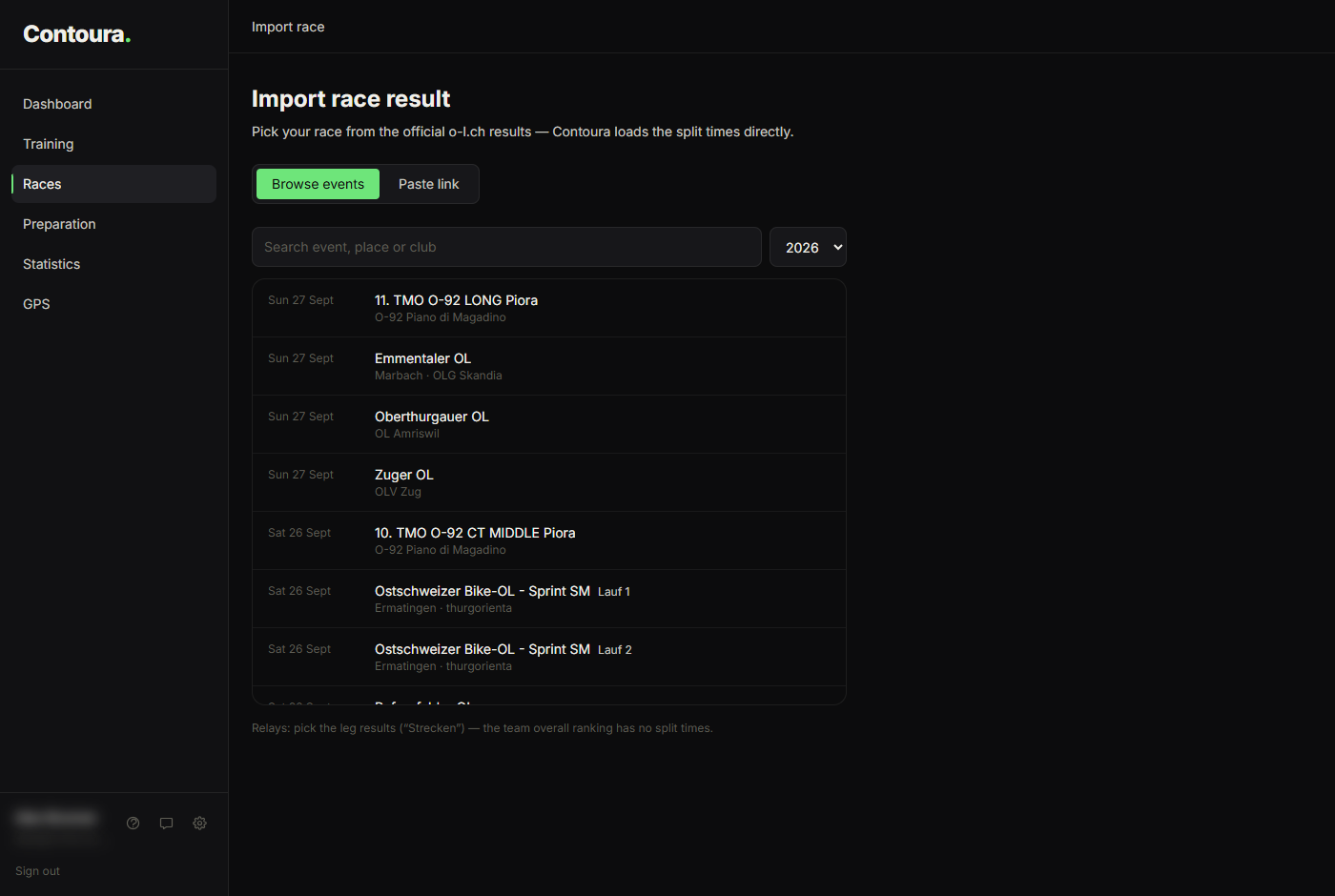
Pick events instead of copying links
You no longer need to look up your race on o-l.ch and copy its address. Contoura shows all published results directly, with search and a year selector. For preparations, it lists all upcoming events with a published start list.
Find yourself across all classes
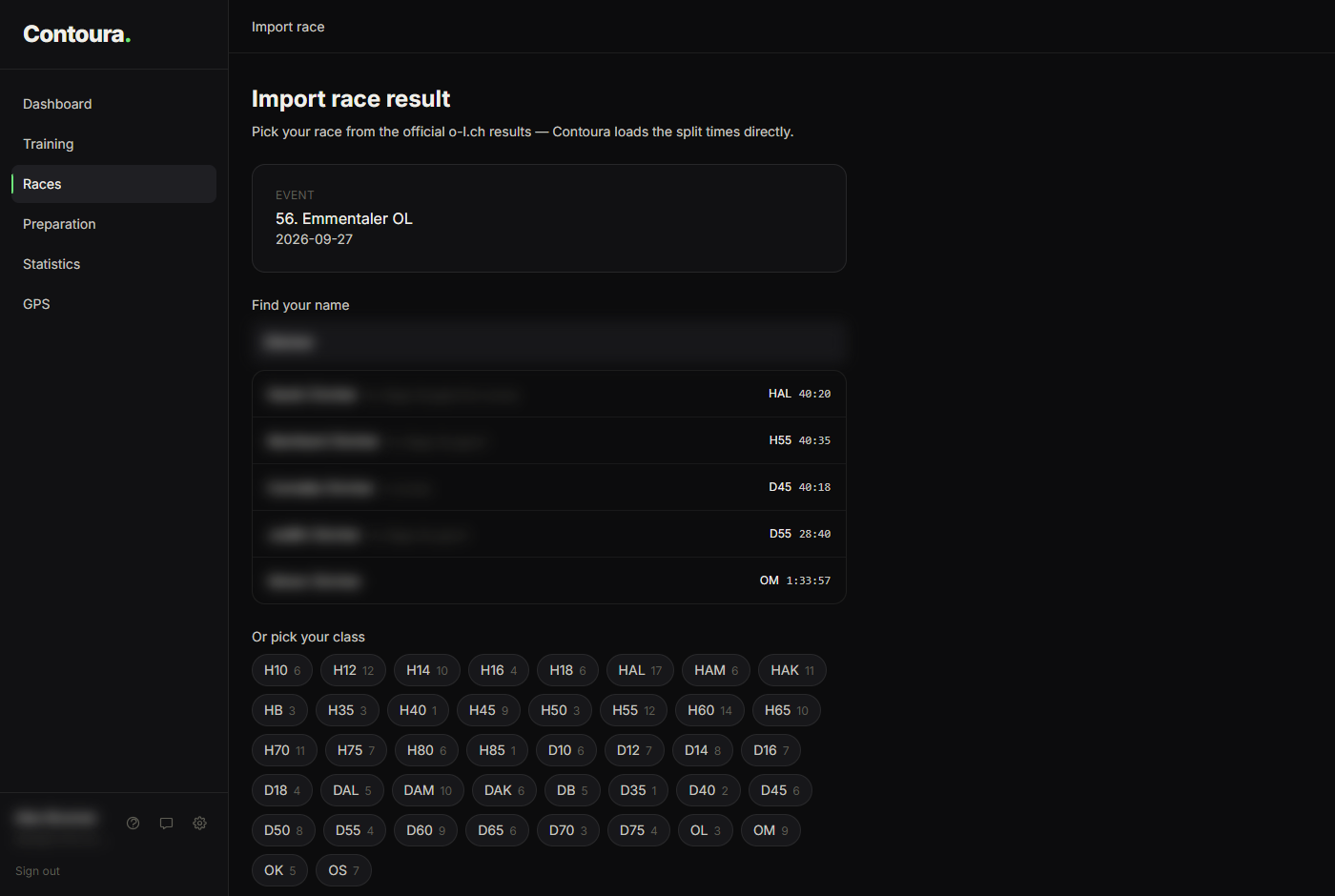
After picking an event, search for your name — it is prefilled from your profile. Contoura searches all classes at once, so you do not need to know your class. You can still pick the class directly.
Other improvements
- Links still work: the "Paste link" tab accepts results and start list addresses from o-l.ch.
- The Livelox link of the event is saved automatically when o-l.ch lists one.
- The discipline is detected from o-l.ch when available.
- Full names and clubs are imported from the results (no truncation).
- Pairs and teams (e.g. team or school races) are imported with all names.
- If the results contain no start time, the GPS matching uses the start time from your preparation.
- A preparation and the result of the same event are linked automatically — also when one was imported from the list and the other from a link.
Limitations
- Relay team overall rankings have no split times per runner — import your leg from the leg results ("Strecken").
- A few events are published without split times (e.g. some MTB-O races) and cannot be analysed control by control.
- o-l.ch shortens long names in start lists to about 22 characters.