Race Preparation
Editing Preparation Details
How to edit your start time, bib number, and name directly on the preparation page.
Inline editing
The start time, bib number, and name shown on a preparation can be edited directly on the page without opening a separate form. This is useful when your start details change after the initial import, or to fill in a field you left blank.
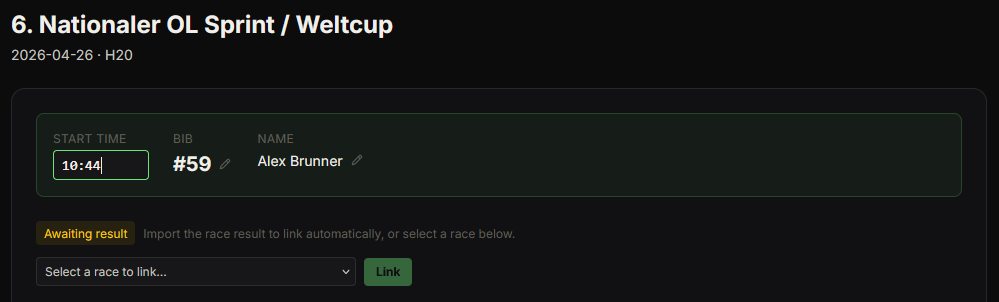
How to edit a field
- 1Open a preparation.
- 2Find the start info card at the top (showing start time, bib, and name).
- 3Click the pencil icon next to the field you want to change.
- 4Type the new value.
- 5Press Enter or click away to save. Press Escape to cancel.
Enter start time in HH:MM format — for example "10:32". Seconds are stored automatically.