Training Log
Editing and Deleting Sessions
How to update or remove a training session.
Editing a session
- 1Go to Training in the sidebar.
- 2Find the session in the list and click "Edit" on the right side of the row.
- 3Update the fields and click "Log session" to save.
Deleting a session
- 1Go to Training in the sidebar.
- 2Find the session in the list and click "Delete" on the right side of the row.
- 3Confirm the deletion.
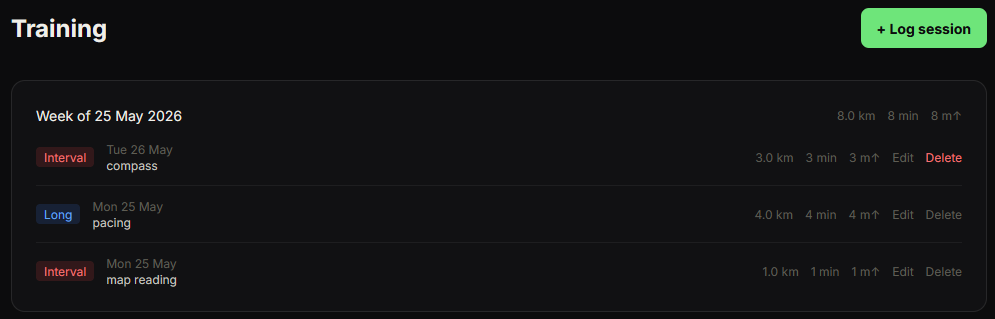
Deleting a session is permanent and cannot be undone.