Settings & Account
AI Features Toggle
How to enable or disable AI coaching features.
What AI features cover
Contoura offers AI-powered features including the race AI Insights and the Pattern Analysis. These features send your anonymised race data to an AI model for processing. You can opt out at any time.
Enabling or disabling AI
- 1Go to Settings.
- 2Scroll to "AI Features".
- 3Toggle the switch to enable or disable AI coaching.
- 4The setting is saved immediately.
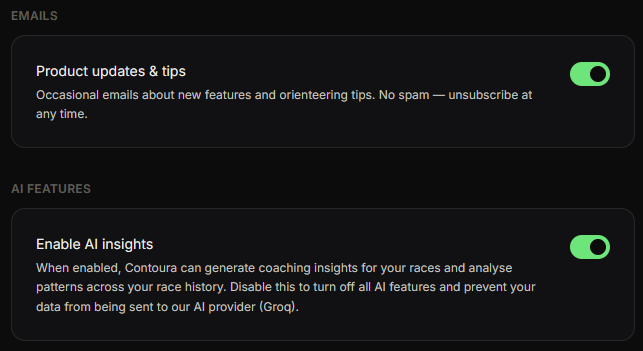
When AI is disabled, the "Get AI insights" button and the Pattern Analysis page are hidden.